Windows Icon Font Font
✎ Decorative
📄 PostScript
🔢 356 chars
⬇ 152
✅ Free
✅ Web Font
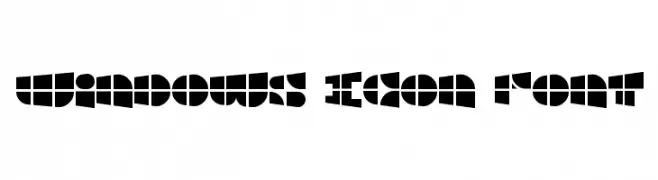
Windows Icon Font Description
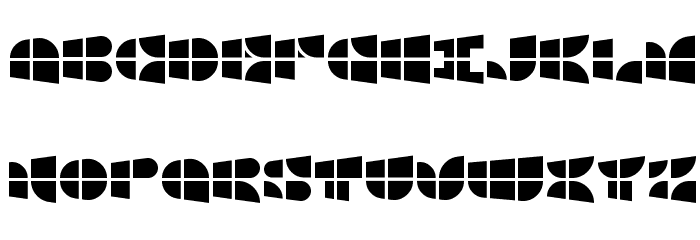
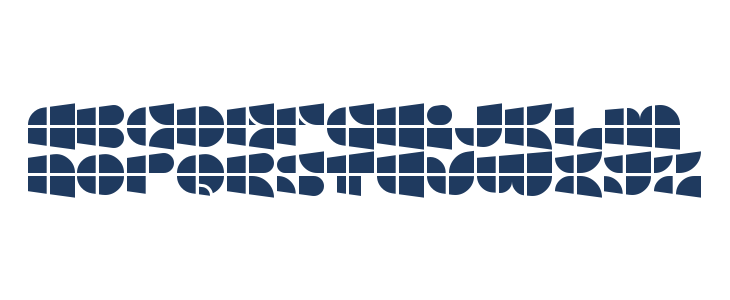
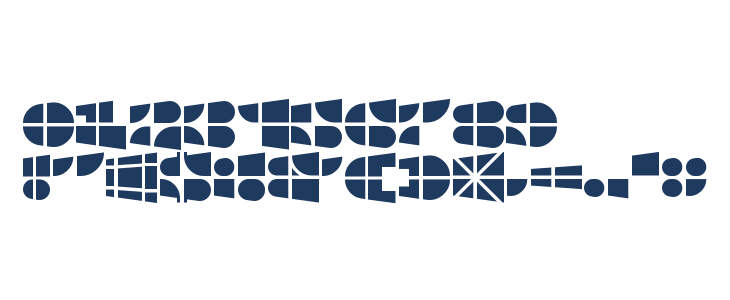
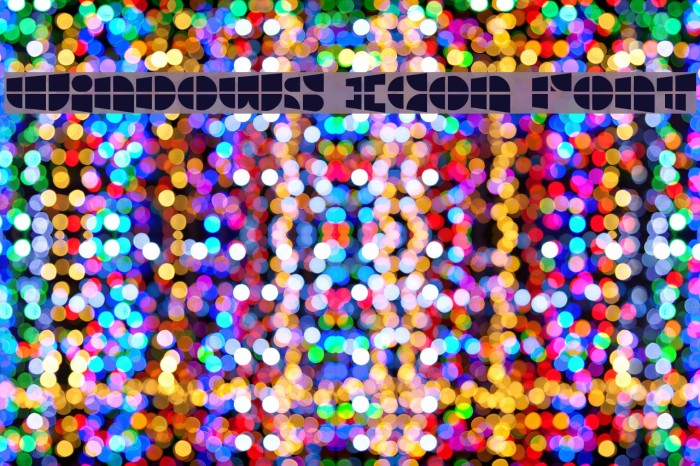
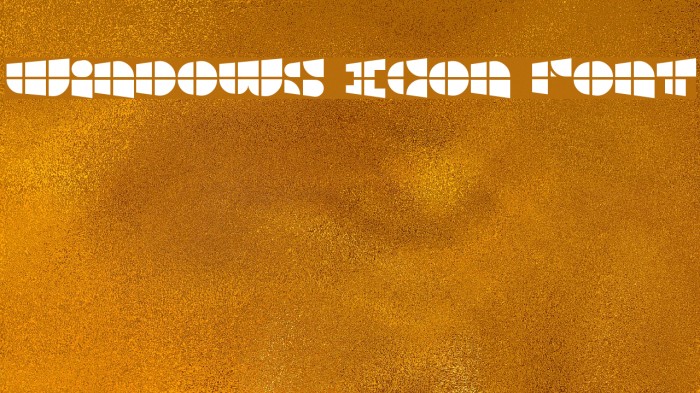
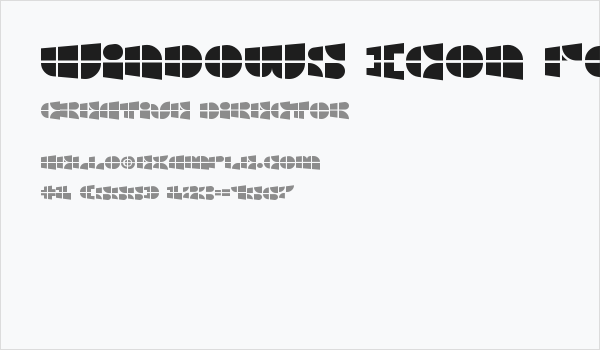
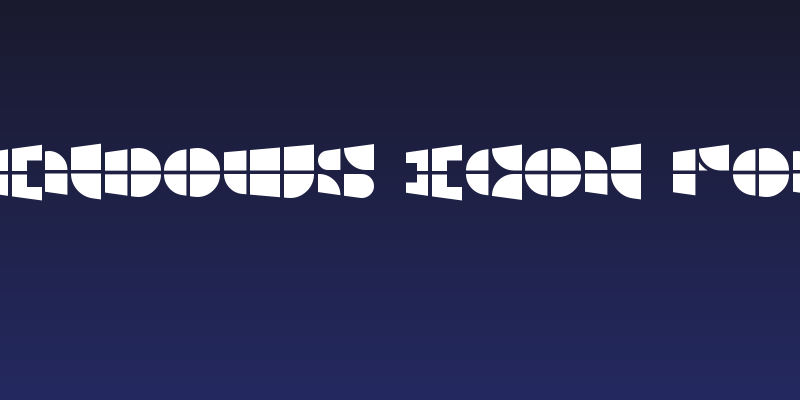
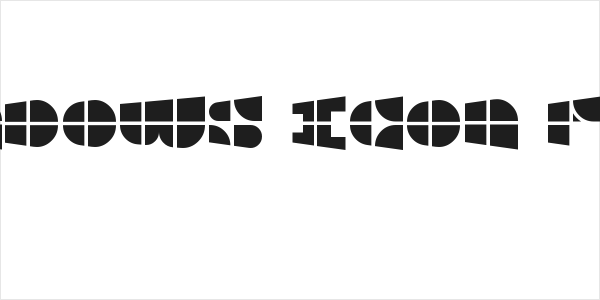
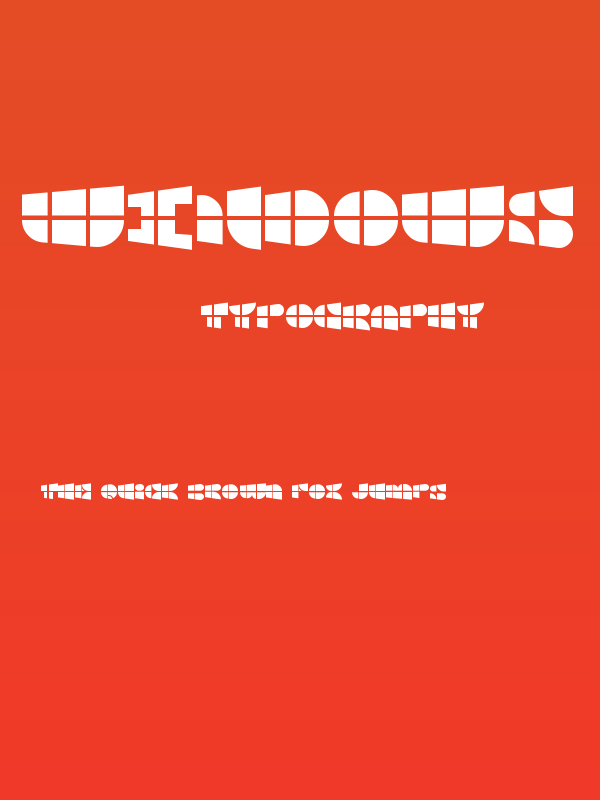
This font features a unique, geometric design with bold, block-like characters. Each letter and number is composed of distinct, angular shapes that create a futuristic and abstract appearance. The characters are uniform in height, with consistent spacing that gives the font a cohesive look. The use of solid black shapes and negative space forms each character, resulting in a striking visual impact. This font is highly stylized, making it ideal for creative and modern design projects where a strong visual statement is desired.
Fonts by architaraz
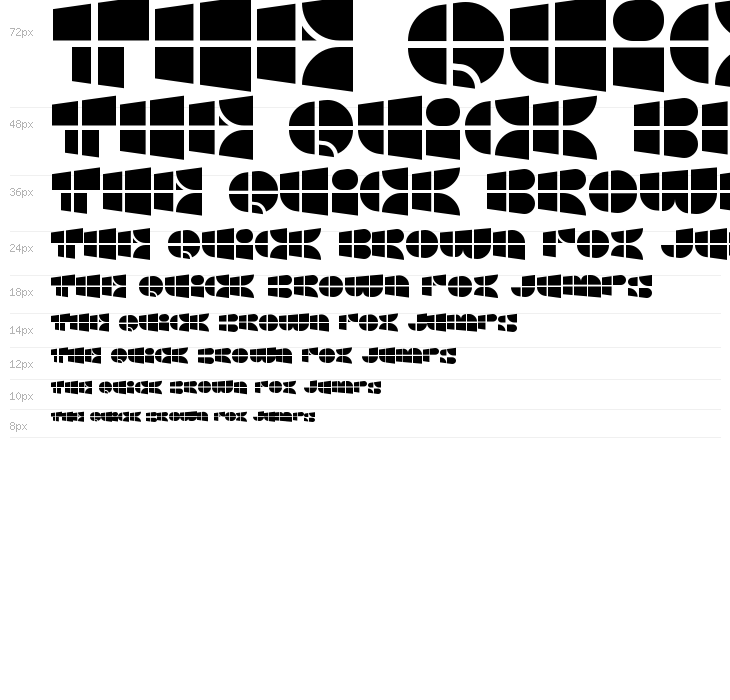
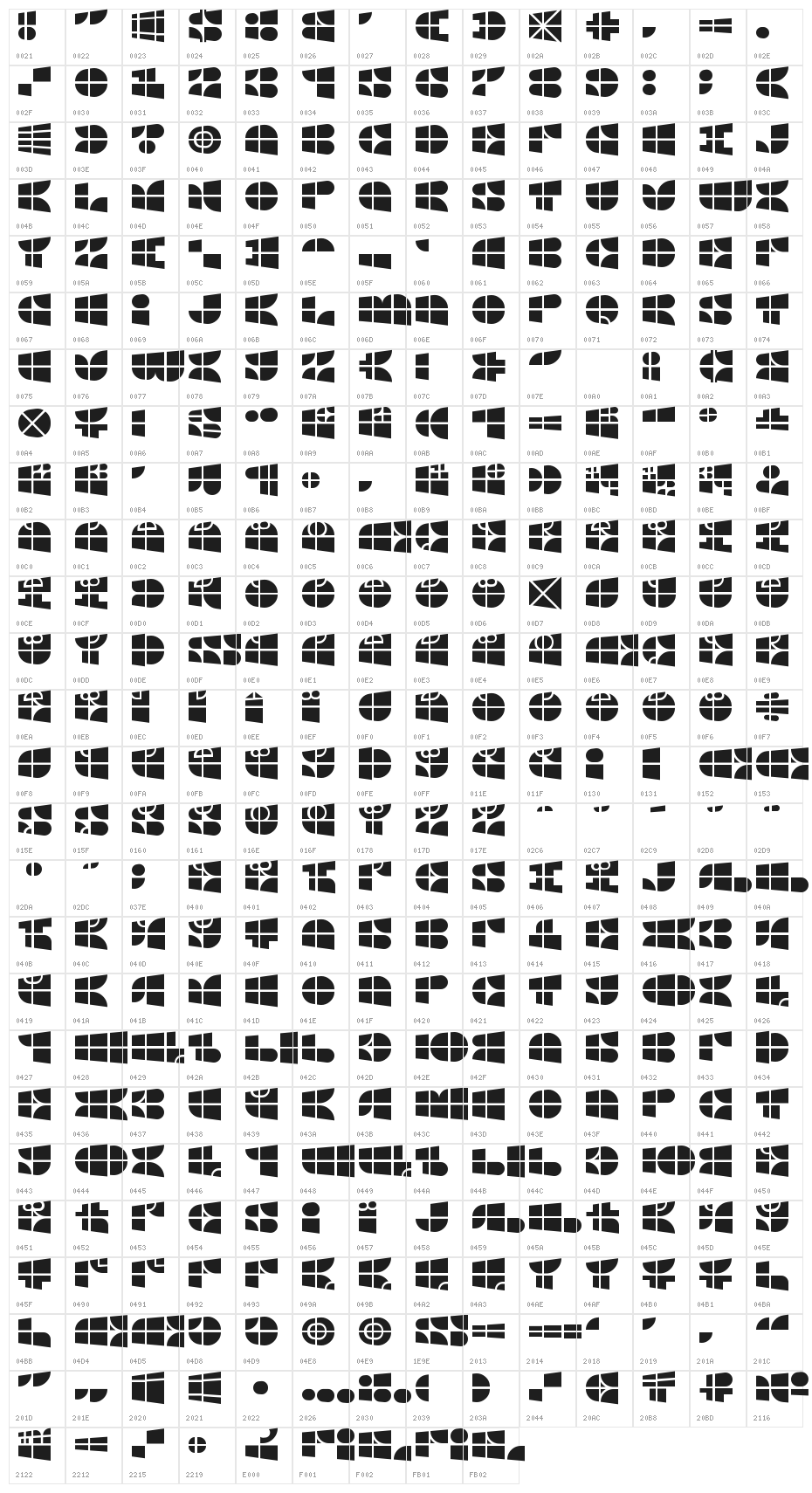
This font includes 356 characters. Click on any character to see details.
Numbers & Symbols
WINDOWS-ICON-FONT UPPERCASE
WINDOWS-ICON-FONT LOWERCASE
WINDOWS-ICON-FONT OTHER CHARS
GALLERY EXAMPLES
Similar Free Fonts

Similar Commercial Fonts


Business Card
Social Header
Logo
Poster
Information
| Name | Windows Icon Font |
| Format | PostScript (.ttf) |
| File | Windows-Icon-Font.zip |
| Weight | Regular |
| Version | Version 1.00 September 13, 2016, initial release |
| No. of Characters: | 356 |
| Downloads | 152 |
| Added | 2016-09-29 |
| Updated | 2024-11-30 |
| Categories | Decorative |
| Bold | Yes |
| Italic | No |
| Width | Normal |
| Character Spacing | Monospaced |
| Contrast | Low |
| Overall Style | Modern |
| Use Case | Logos, Headlines, Posters |
| Proposed Projects | Ideal for modern branding, tech-related designs, posters, and creative digital art. |
| Is Fixed Pitch | No |
| Web Font | Available |
| License | Free for personal use |
Fonts by architaraz
💻 Windows
- Extract ZIP
- Right-click .ttf -> Install
🍎 macOS
- Extract ZIP
- Double-click .ttf -> Install Font
Windows Icon Font
Free · PostScript
| Name | Windows Icon Font |
| Type | PostScript |
| Characters | 356 |
| Downloads | 152 |
| Added | 2016-09-29 |
| Web Font | Available |
| Author | Fonts by architaraz |
| Categories | Decorative |